A résumé builder inside Gemini
BetterShell adds résumé making to Google Gemini. Give Gemini your résumé and a job posting, and you get a link to a finished one-page PDF: your strongest experience for that job, reworded in the posting's language, with nothing made up. Each résumé is saved to your BetterShell account.
https://bettershell.ai/mcpAdd it
On a computer, press Add to Gemini, or open Gemini, then Customize, then Connectors. Choose Custom and paste the address above.
Link your account
Choose Next, tick the box and choose Connect, then Agree and continue. Sign in on bettershell.ai, choose Allow, and choose Connect once more to save it.
Ask
"Use BetterShell to tailor my résumé to this job", with your résumé and the posting. Gemini asks before it uses BetterShell; choose Allow once.
What comes back
Tailor my résumé to this job.
Gemini
Used BetterShell: Make a tailored résumé
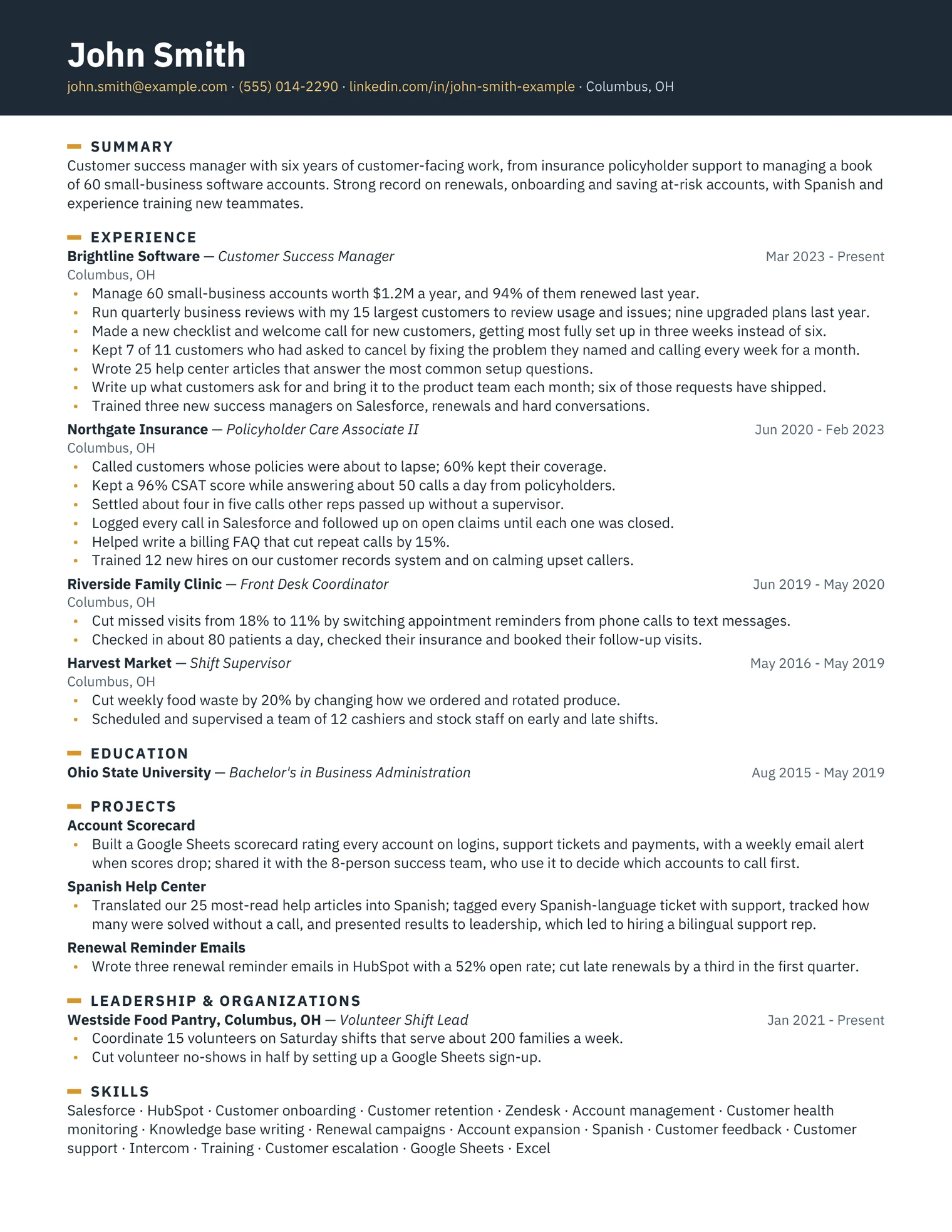
Here's your résumé for Meridian Pay. BetterShell kept your strongest lines for the job and reworded a few in the posting's words, without adding anything.
Download PDFOpen in BetterShell
In Gemini
What you see
Gemini tells you what BetterShell did and gives you the PDF and the page as links.
Your account
Gemini asks you to sign in, or create an account, when you add BetterShell.
Who can add it
For now Google offers custom apps in English to people 18 or over in the US, on a personal Google account with Gemini's history on.
Questions
Can Gemini make a résumé PDF?
With BetterShell added, yes. Gemini hands over your résumé and the job, and BetterShell sets a real PDF with selectable text.
Why does Google say it hasn't reviewed this app?
Google shows that for every custom app. You can remove BetterShell from Gemini's Connectors page at any time.
Does it work in the Gemini phone app?
Yes. Add it on the web first, and it works in the phone app signed in to the same Google account.
Your information
Only what you share
The chat sends BetterShell the résumé and the job you chose, never your chat history or the chat's memory.
A private link for 7 days
A résumé made without an account sits behind a private link, deleted after 7 days unless you add it to an account.
No contact details kept
To limit how many résumés each person makes in a chat, BetterShell keeps one-way hashes for 30 days, never the details themselves.
Your account stays yours
A connected chat reads or saves only when you ask. It can't pay for anything or change your sign-in, and you can disconnect it at any time.
The privacy policy has the details. To have a résumé deleted sooner, email support@bettershell.ai.